
alpha
Perceptually balanced isoluminant syntax palette with a restrained interface. Two variants — alpha dark and alpha light.

Two variants
Same seven hues. The dark variant locks lightness; the light variant retunes it to keep weight equal on white.
Designed for legibility
A handful of design rules, applied consistently across the whole theme.
Two variants
alpha dark and alpha light. A clean, familiar surface in both — switch with the OS, or pin one.
Isoluminant palette
Dark variant locks every syntax color at HSL(h, 100%, 68%). Only the hue rotates, so no token visually outweighs another.
WCAG-AA in light
Light variant retunes lightness per hue to clear ≥ 4.5:1 contrast on white. Saturation stays at 100%, weight stays equal.
Restrained chrome
Editor, sidebar, status bar, tabs, panels, terminal, and git decorations are tuned to stay quiet, so the code can speak.
Free & MIT
No paywalls, no telemetry, no account. Open source under the MIT License, hosted on GitHub.
Broad VS Code support
Runs on VS Code 1.74 and up. Installs in seconds from the Marketplace or via the CLI.
Seven hues, equal weight
Dark variant locks every color at HSL(h, 100%, 68%) — only the hue rotates. Light variant retunes lightness per hue to hit WCAG-AA on white.
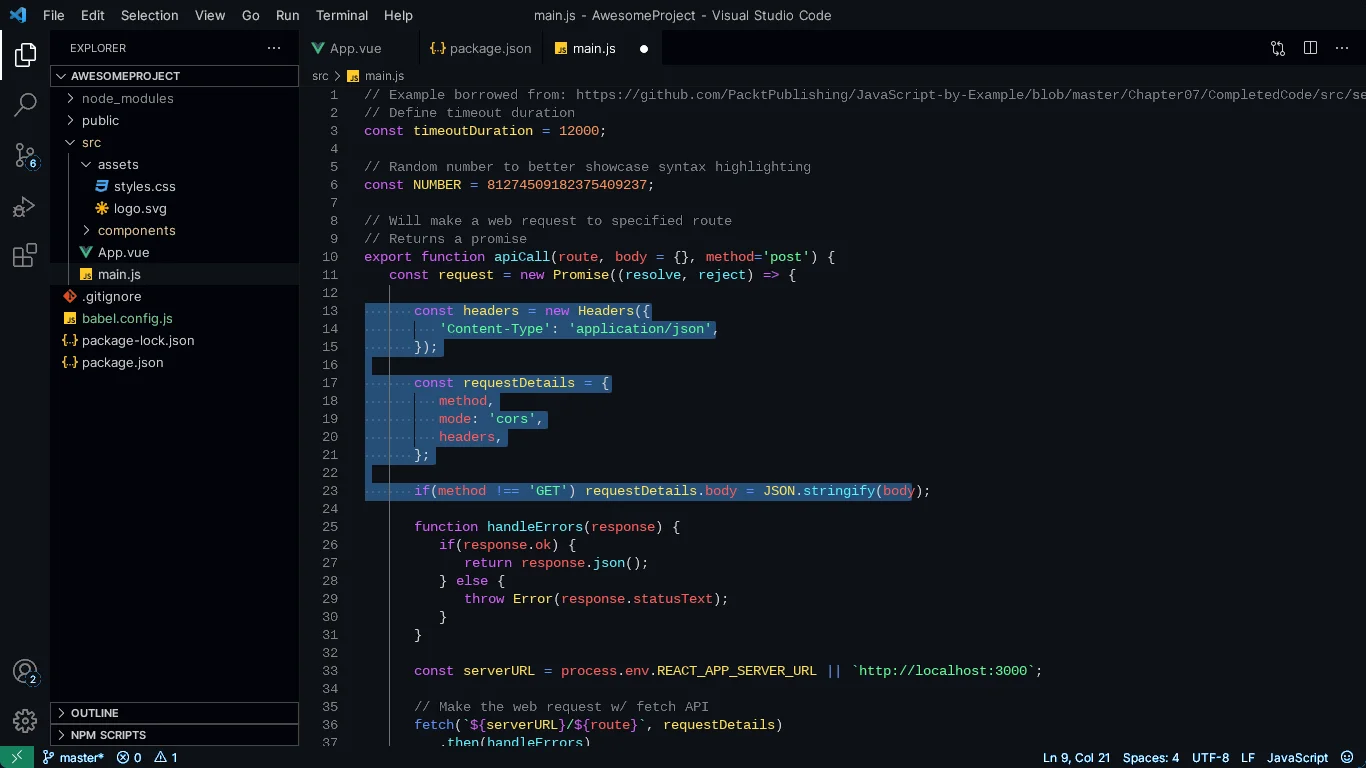
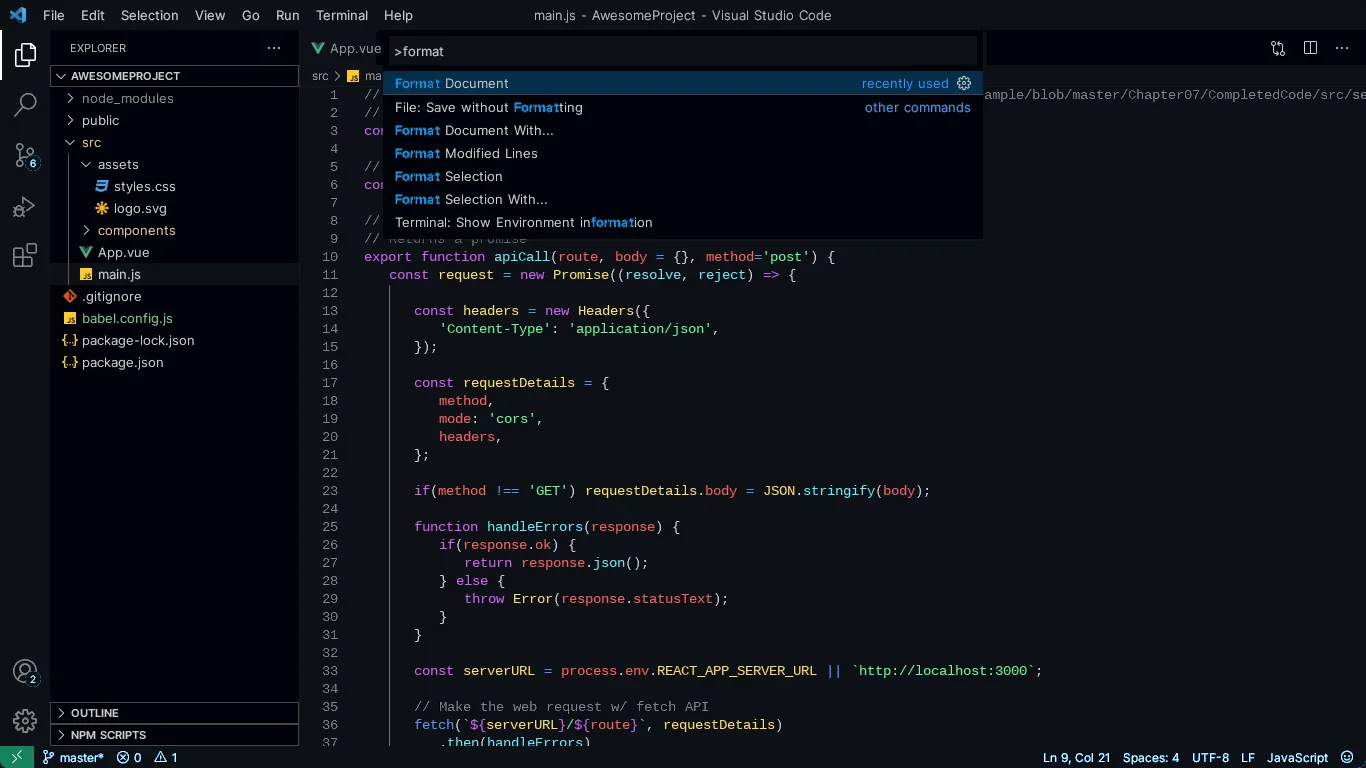
In your editor
Familiar surfaces. A palette tuned to disappear into them.
Install
Pick your variant from Preferences: Color Theme.
From VS Code
- Open Extensions (⌘+Shift+X)
- Search Alpha
- Install & reload
- Run Preferences: Color Theme → pick alpha dark or alpha light
From the command line
code --install-extension gokhangunduz.alphaReady to try it?